Practical AI for people with real jobs
Learn to use approved AI tools safely, improve the work you already do and build practical skills your team values. Guidance from an Australian audit and risk leader using AI in real corporate work.
Know what is safe to paste into AI, before you paste it
AI tools are useful right up until someone pastes the wrong thing into one. This cheat sheet is one page of clear rules: what can go in, what cannot, and what to check before you trust a new tool. I audit this for a living, and this is the page I wish every colleague kept next to their keyboard.
- 12+ years in risk, audit and process improvement
- Hundreds of professionals reading AI Bytes
- Real corporate use cases, explained in plain language
Start here
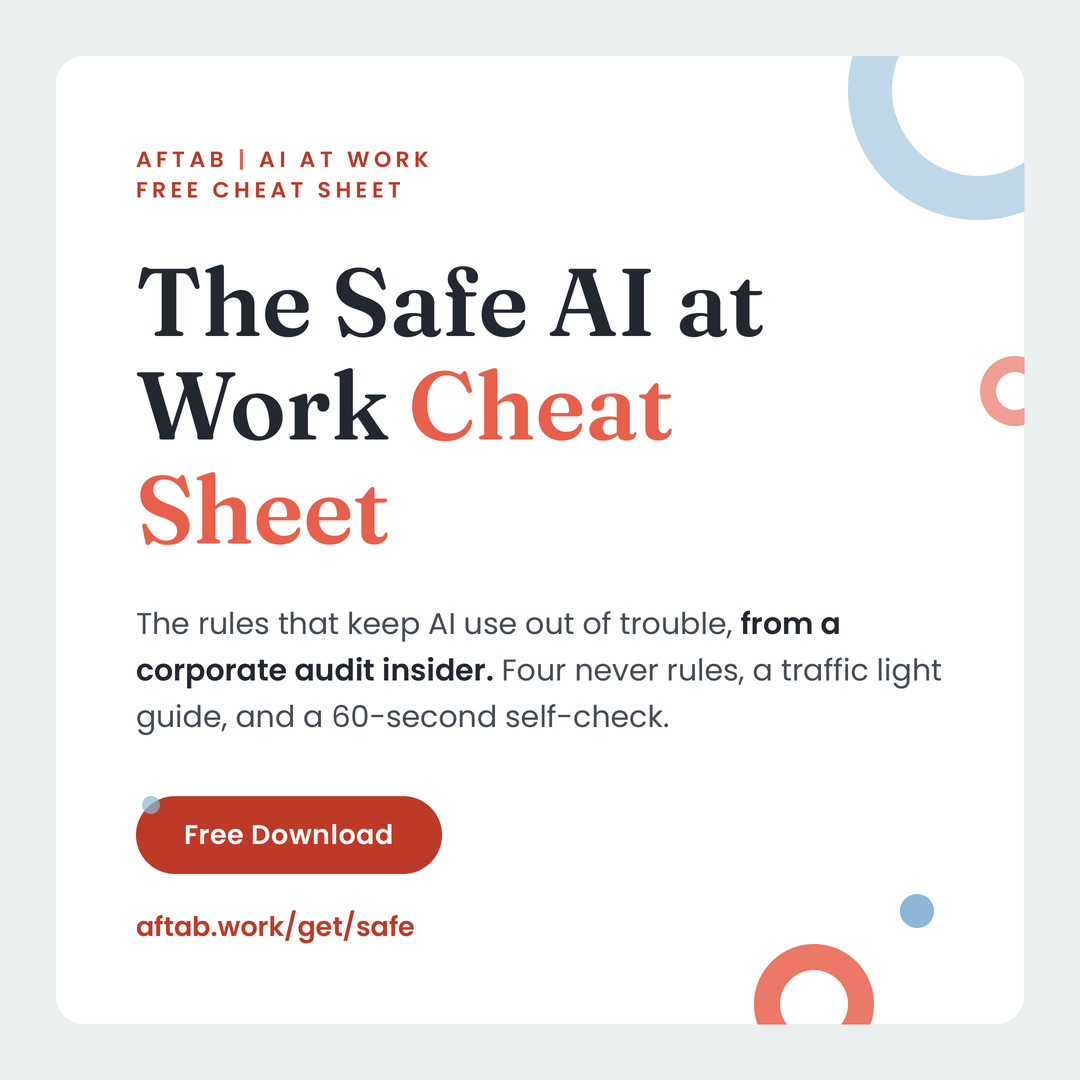
The Safe AI at Work Cheat Sheet
One page on what you can and cannot paste into AI tools, the questions to ask before using a new tool, and why. Written by someone who audits this for a living.
- A plain rule for deciding, in seconds, whether something is safe to paste into an AI tool
- The five categories of work information that should never leave your organisation
- Safer ways to get the same result, including how to strip a document before you use it
- Seven questions to ask before you trust a new AI tool with anything
- Why approved enterprise tools and free public tools are treated differently, explained without jargon
Using AI is easy. Using it well at work takes judgement.
Most professionals have tried AI, but many still do not know what they can share, which tasks are worth improving or how to check the result. The goal is not more prompting. It is a safe, repeatable way to produce better work.
- Choose useful tasks, not novelty experiments.
- Work within employer policy and approved tools.
- Build repeatable prompts and workflows you can trust.
Work with me
Build your personal AI working system
Over four weeks, we identify where AI can safely help in your role, build two or three useful work applications and turn them into a personal playbook you can keep using.
- Personal AI opportunity map
- Two or three working AI use cases
- Safe use boundaries for your workplace
- Reusable prompts and workflows
- Personal AI Working Playbook
- Support between sessions
Book a free 30 minute diagnostic
We will look at where AI could help in your role and whether the program is the right fit. If it is not, I will tell you plainly.
Not sure which option fits? View all ways to work with me.
About

I am an Australian audit and risk professional with more than 12 years of experience improving processes, reviewing controls and helping teams work through complex problems. I use AI in real corporate work and teach the judgement that sits around the tool, not just the prompt.
- 12+ years in risk, audit and process improvement
- Uses AI on the job every day
- Teaches skills that travel across Copilot, Claude, Gemini and ChatGPT
- Calm, evidence based, allergic to hype
I review AI use first and teach second. That order is the point.
More free guides
Short guides you can put to work the same day. Each one costs an email address and nothing else.
-
The Corporate Prompt Pack
5 field-tested prompts for planning, reporting, analysis, risk and communication. Plus the B.R.I.E.F. framework that makes every one of them work harder.
-
The Role Exposure Review
How exposed is your role, task by task? A 30 minute self assessment that scores your month the way an auditor would, then tells you what to do about it.
-
The 30 Minutes a Week Learning Plan
A four week schedule for time poor professionals. No bootcamp, no jargon.
AI Bytes, the newsletter
One practical AI insight a week, from inside a real job.
Each email contains:
- One useful workplace AI idea
- One real use case or lesson
- One action to try
Written by a senior risk professional inside one of Australia's largest companies.
Common questions
Is the guide really free?
Yes. The guides and AI Bytes newsletter are free. You can unsubscribe from the newsletter at any time.
Will this get me in trouble at work?
The guidance is built around using employer approved tools within workplace policy. The Safe AI Cheat Sheet helps you recognise information that should not be shared and questions to ask before using a new tool.
Which AI tools does this cover?
The skills work across Copilot, Claude, Gemini and ChatGPT. Most examples use whichever tool your employer has approved.
I am not technical. Is this suitable for me?
Yes. The material is written for corporate professionals, not developers. If you can describe your work clearly, you can use the methods.
What happens in the diagnostic call?
We look at your role, the work you want to improve and the AI tools available to you. I will recommend the suitable next step, even if that is not a paid program.
Who is behind aftab.work?
Aftab is an Australian audit and risk professional with more than 12 years of experience in assurance, controls and process improvement. aftab.work is his practical guide to using AI safely in real corporate work.